
Code tutorials that
move with your story.
Write the explanation in MDX and keep your code runnable. InteractiveCodeScroll turns them into a static site where steps, highlighted code, live previews and API results stay in sync — for readers at home and for you on stage.
npm create interactive-code-scroll@latest- Astro
- MDX
- Shiki
- Calcite Design System
- Static output
- Apache-2.0
Scroll it. Switch the language. Run the request.
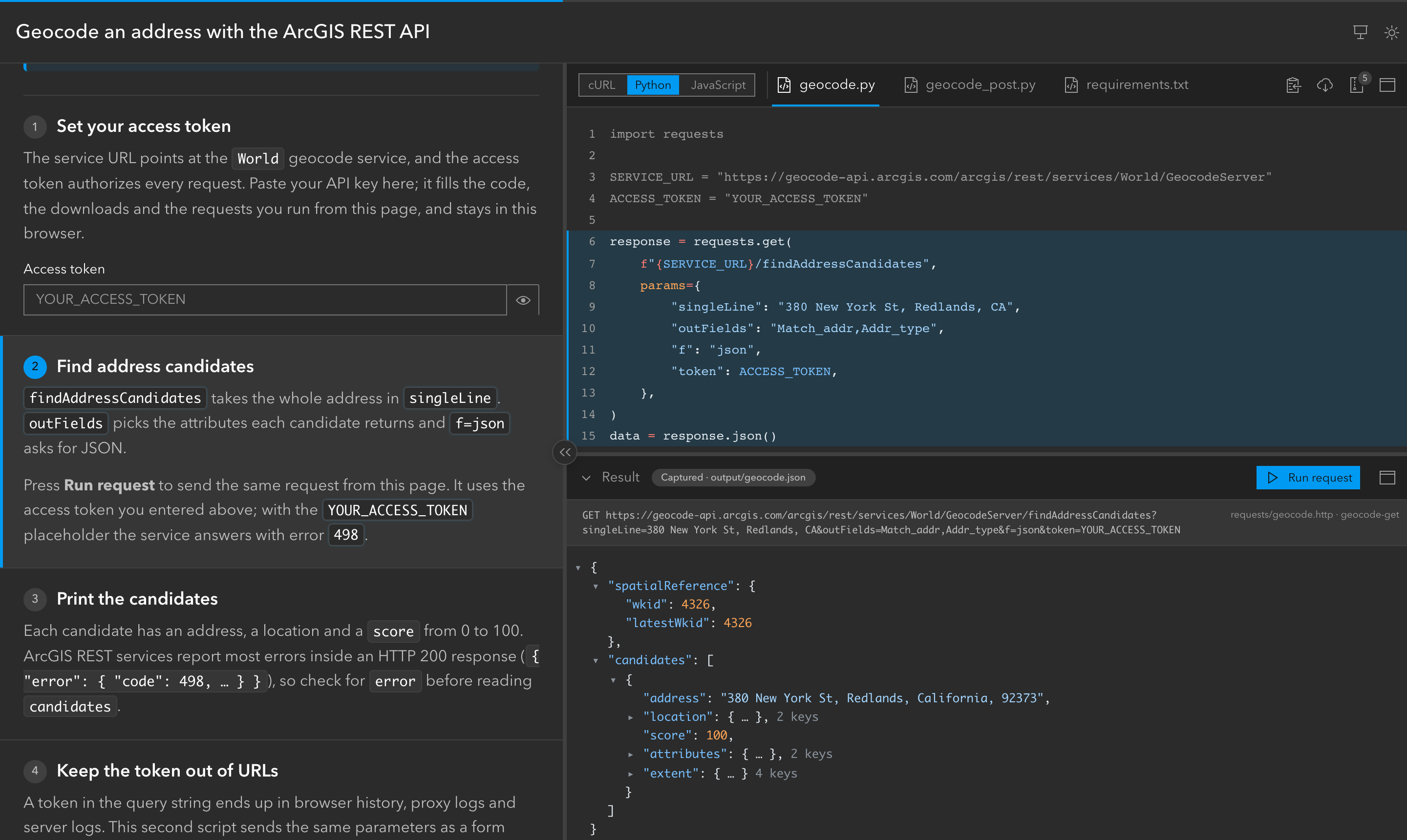
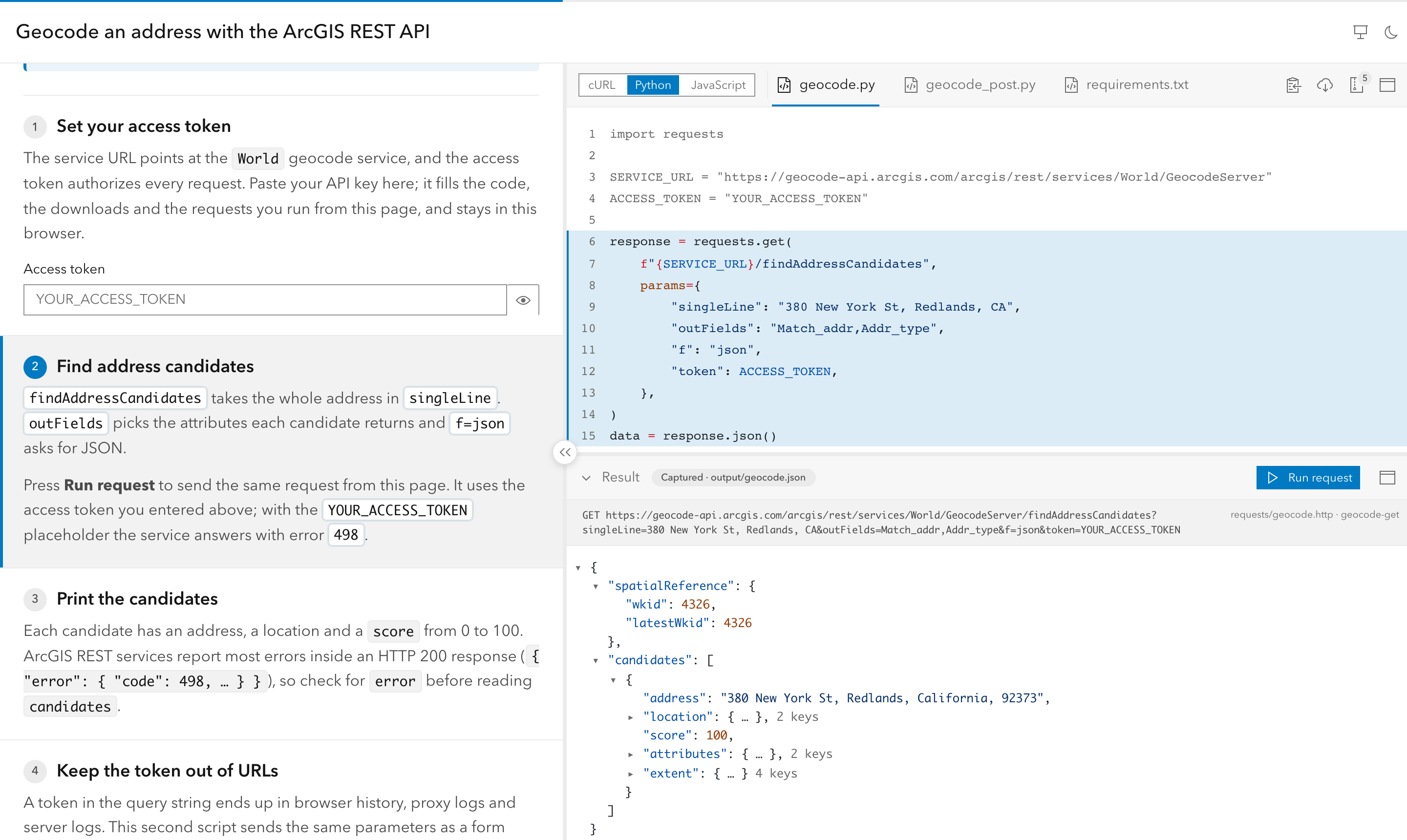
This is a real tutorial built with InteractiveCodeScroll, running right here. Scroll the explanations, pick cURL, Python or JavaScript, and watch the code and the result follow.
One command.
A working tutorial.
The wizard asks what you are teaching — a web app, a REST API, a script or a native app, in one language or several — and writes a working tutorial you can edit right away. Add a GitHub Pages workflow and every push publishes it.
npm create interactive-code-scroll@latestnpm run dev— edittutorial.mdx, see it livegit push— published on GitHub Pages
$ npm create interactive-code-scroll@latest my-talk
┌  Create an InteractiveCodeScroll project
│
◇  What do you want to create?
│  One tutorial
│
◇  What will the tutorial use?
│  cURL, Python, Node.js
│
◇  Package manager
│  npm
│
◇  Add a GitHub Pages workflow?
│  Yes
│
◆  Created 10 files in my-talk
│
└  Happy writing!

$ cd my-talk && npm install && npm run dev
  astro  ready
┃ Local http://localhost:4321/Everything a code walkthrough needs. Nothing your audience has to install.
One tutorial. Every language your audience speaks.
Write the explanation once and ship cURL, Python and JavaScript side by side. Readers switch in place, and every step follows them to the same region in the new language.
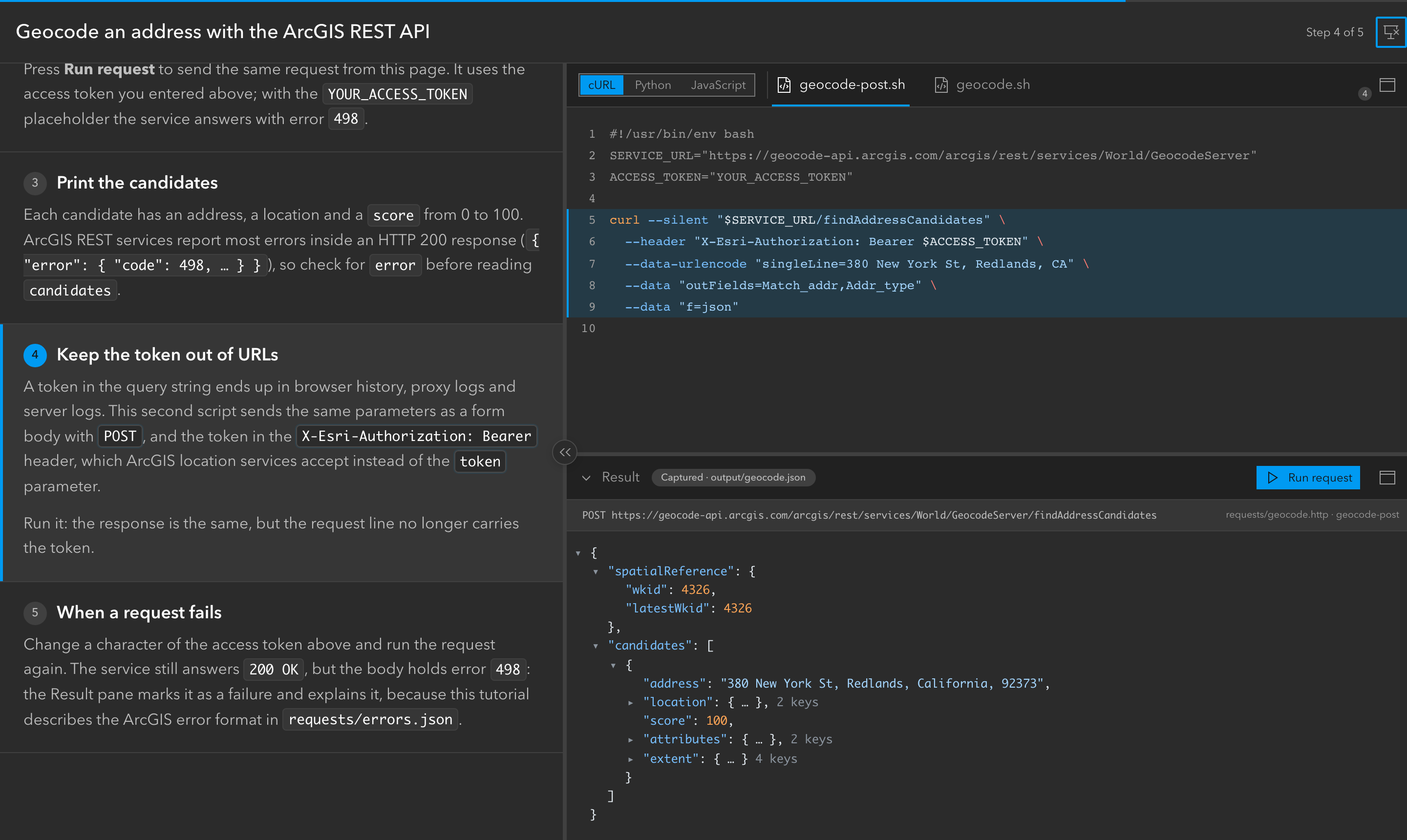
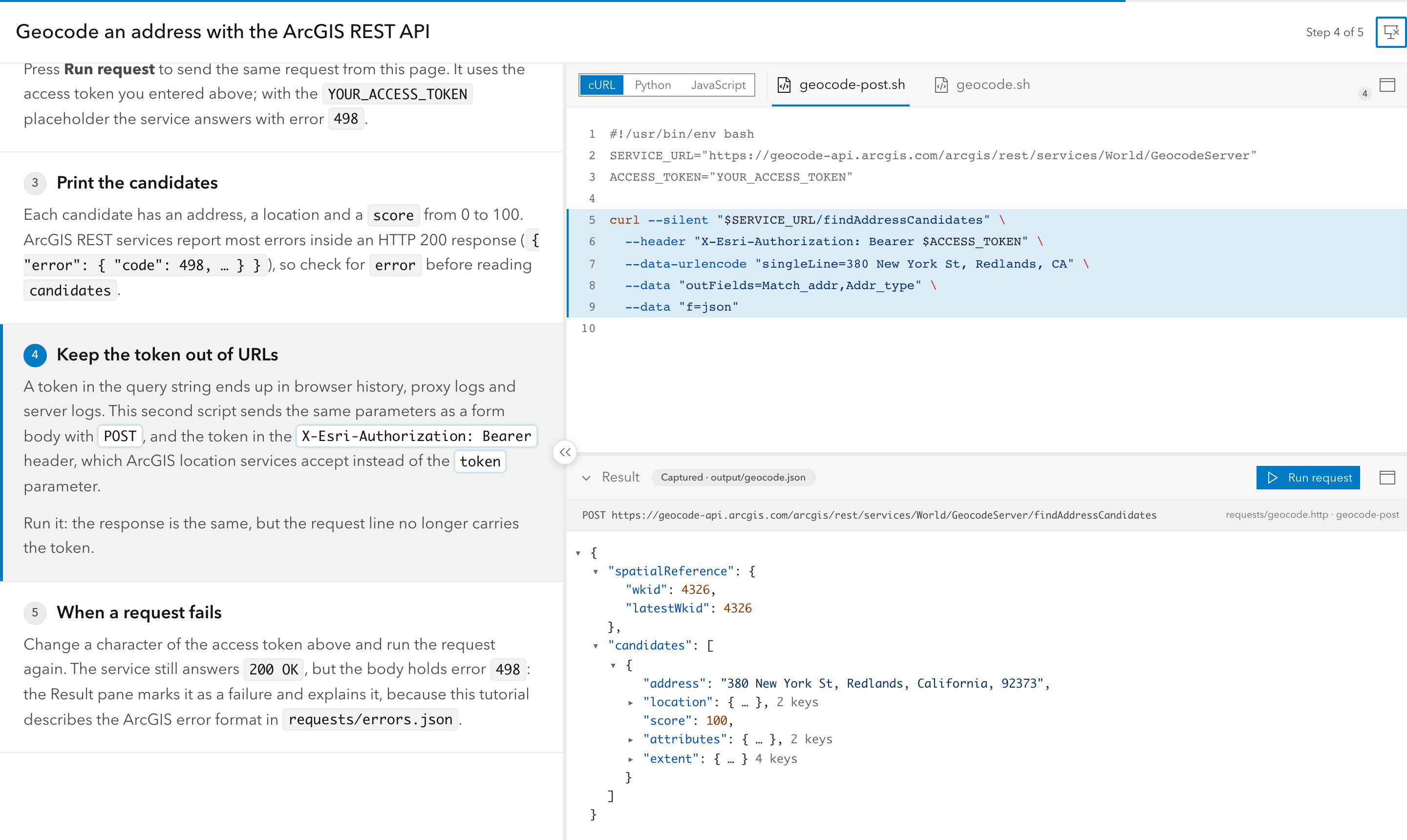
Real code, running next to the explanation.
Web code runs in an embedded Preview or a new tab. Fields in the text — an API key, a client ID, a title — flow into the code, the Preview and the downloadable project.
Screenshots and walkthroughs, in the same flow.
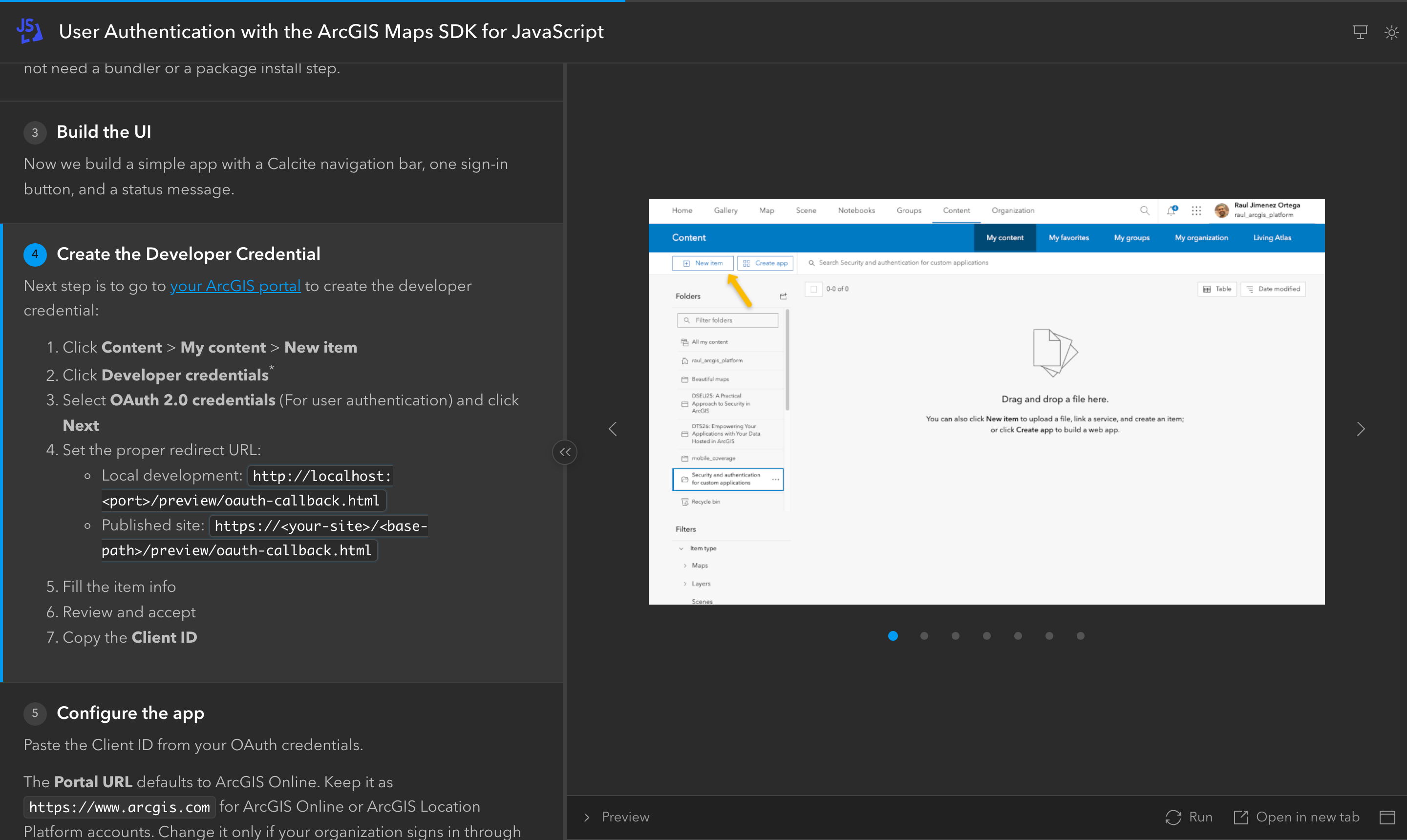
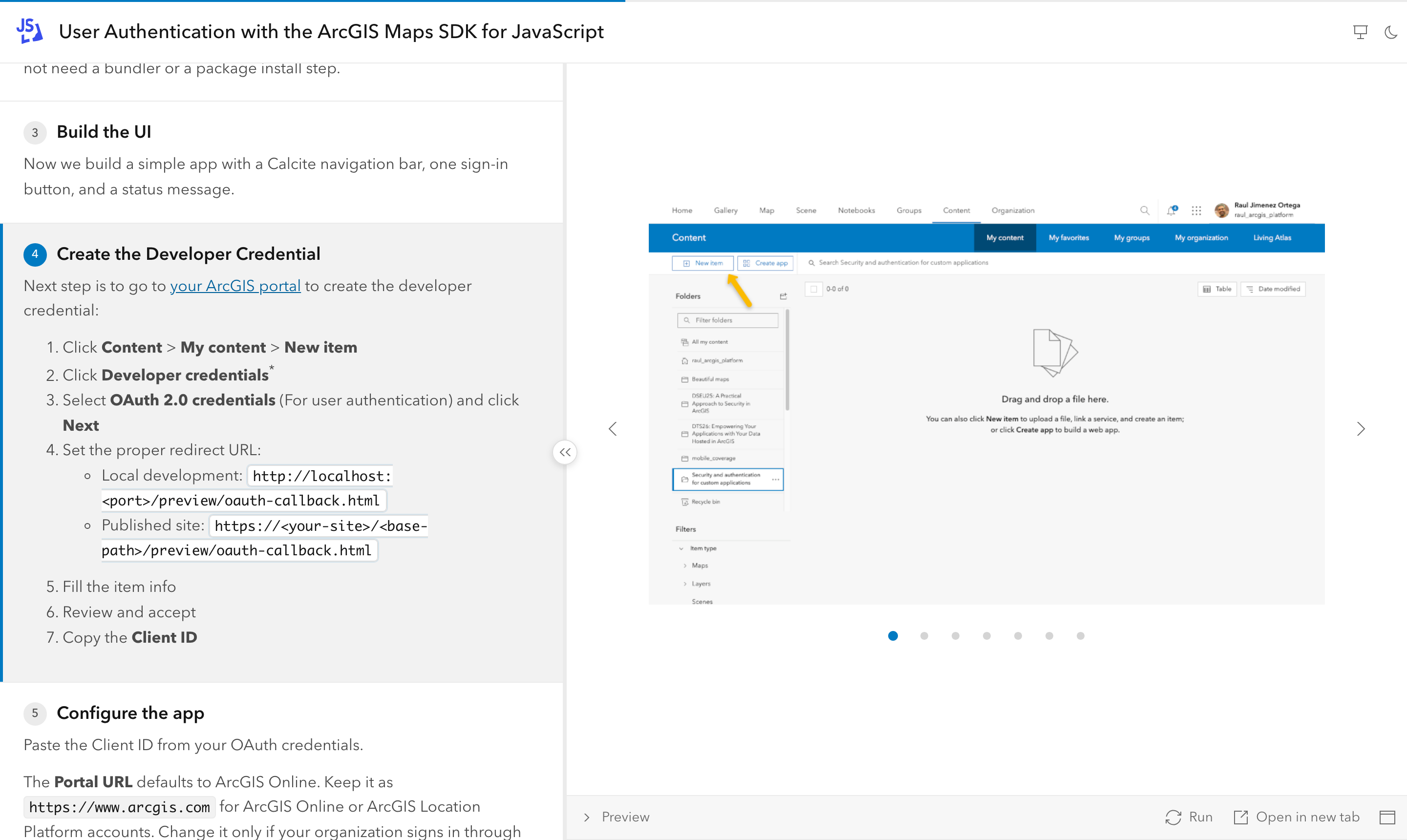
Some steps happen outside the editor. Image carousels sit in the code panel so portal clicks and setup screens are part of the story, not a separate doc.
Present it. Then hand it over.
Presentation mode strips the chrome, shows the step counter and listens to your clicker. After the talk, attendees open the same URL and replay every step at their own pace.
Request runner
Run `.http` requests from the page, with captured output when there is no token and a JSON viewer.
Fields → code
Readers type their own values; code, Preview and downloads update. Secrets stay in their browser.
Copy & ZIP
Readers leave with a runnable project. Markers are stripped from everything they copy.
Series sites
Many tutorials in one site: index, tag filters and sibling tutorials across SDKs.
Build-time checks
Missing files, regions or variables fail the build with the file and line. No silent rot.
Deep links
Every step has a URL. Share “step 4” in chat or on a slide.
Static output
Deploy anywhere. The wizard can add a GitHub Pages workflow for you.
Light & dark
Follows the reader's system, with a toggle. Projector-friendly either way.
Made for people who teach code.
Born from teaching ArcGIS at developer conferences, and topic-agnostic by design: web apps, REST APIs, Python, Kotlin, Swift, C# — if you can put it in a file, you can walk people through it.
Developer advocates
Turn your best demo into something people can replay after the booth closes.
Trainers & partners
Workshops where every attendee has the same working code at every step.
Conference speakers
No more juggling slides and an IDE. One URL on stage, the same URL for the audience.
Technical writers
Keep the sample runnable and the prose in sync — the build tells you when they drift.
See real tutorials.
Built with InteractiveCodeScroll and used in talks and workshops.
Geocode an address with the ArcGIS REST API
cURL, Python and JavaScript variants, live requests, captured output and error explanations.
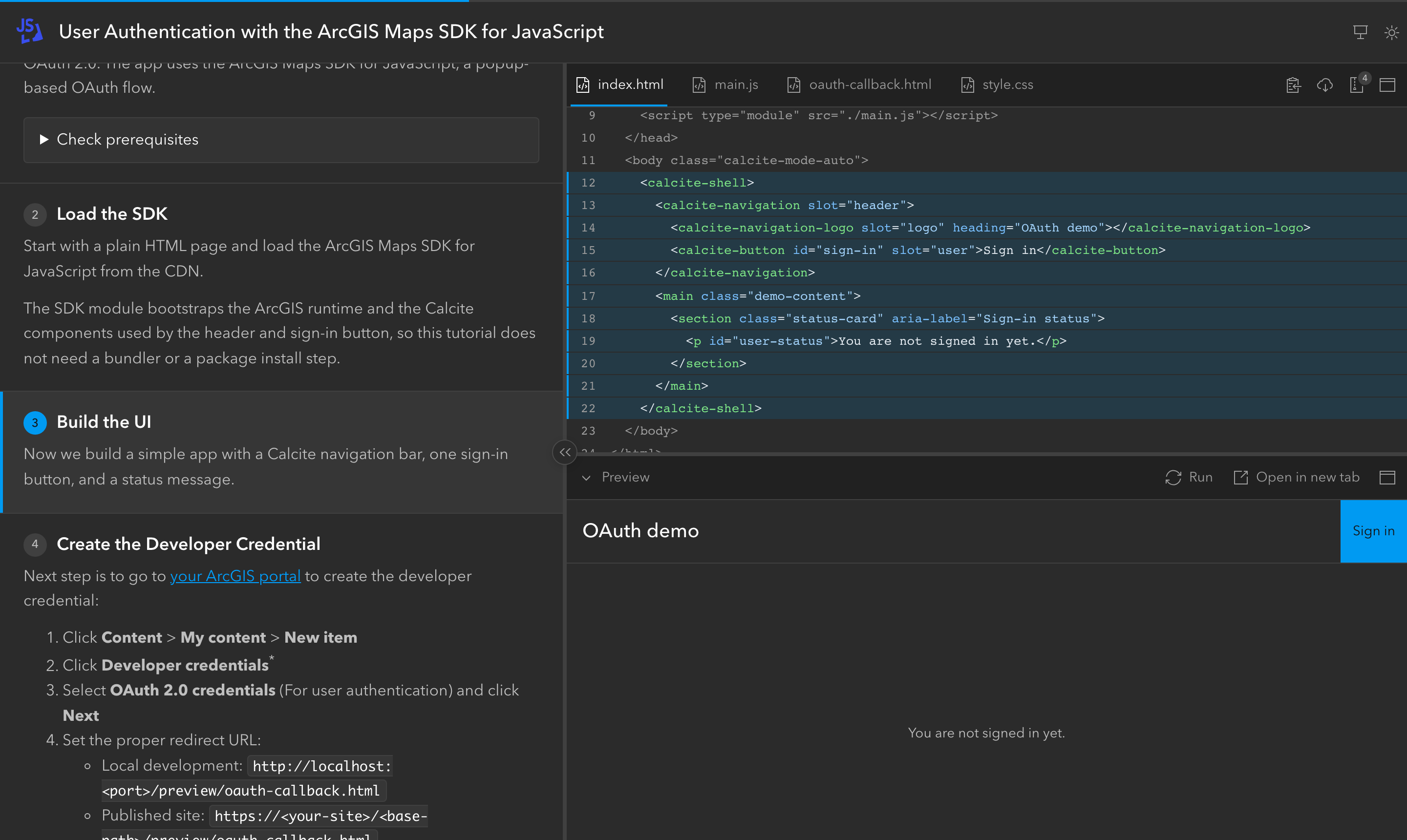
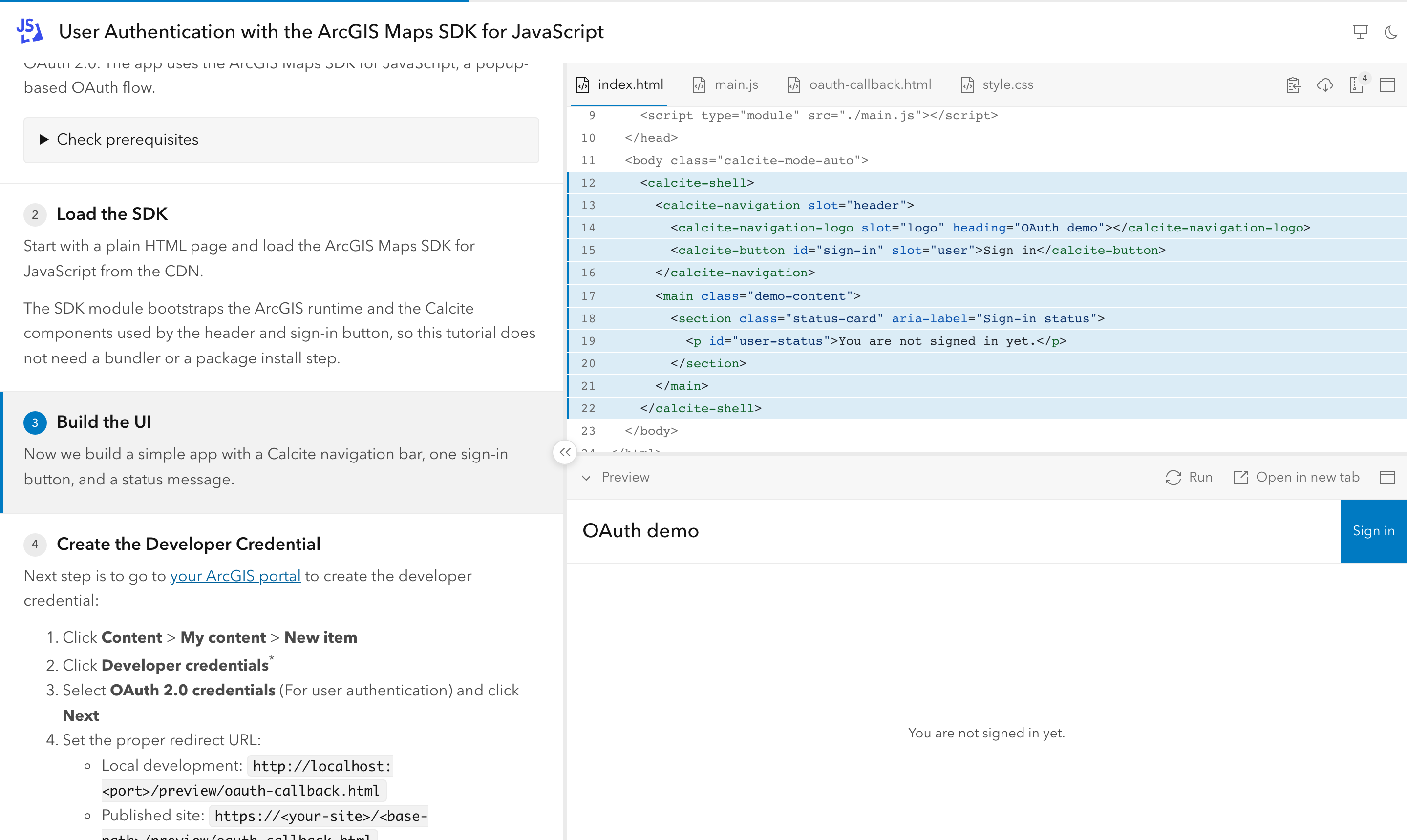
User authentication with the ArcGIS Maps SDK for JavaScript
OAuth 2.0 PKCE in the browser, with portal walkthrough screenshots and a live Preview.
Your tutorial here
Built something with it? Share it and we will feature it on this page.
Submit your tutorial →Beta, and moving fast. Steer it.
The first beta took less than a week. That pace is the point: InteractiveCodeScroll grows with the tutorials people actually build. Tell us what yours needs.
Built with AI coding agents
Human-led design and review; most code and docs written with Claude Code and Codex. The agent instructions and the full spec are in the repo.
Read the spec →Inspired by Stripe
Stripe's interactive quickstarts showed how good a code walkthrough can feel. This brings that experience to anyone's tutorials, and to the stage.
See the original →Public beta
Used for real tutorials and talks. Authoring APIs may still change before 1.0; the upgrade guide covers every breaking change.
Upgrade guide →Your next talk deserves more than slides.
Build the tutorial once. Present it on stage. Let everyone replay it at home.
npm create interactive-code-scroll@latestA star helps other trainers and speakers find it.